Free 3D printed names
Keychains, name signs, ornaments, and bag tags with any name on them, and your own logo if you like, sized for your printer. Free to download.
Free files · Bambu Lab, Prusa, Creality, Elegoo, and others
Free Christmas ornaments, tags, and gifts
Ornaments for the whole family, tags for stockings and presents, and a lift-out name puzzle for little ones.
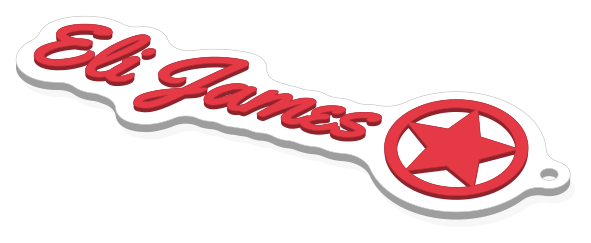
Free name keychains and bag tags
Clip one on a backpack, a gear bag, or a set of keys.
Put your own logo on it
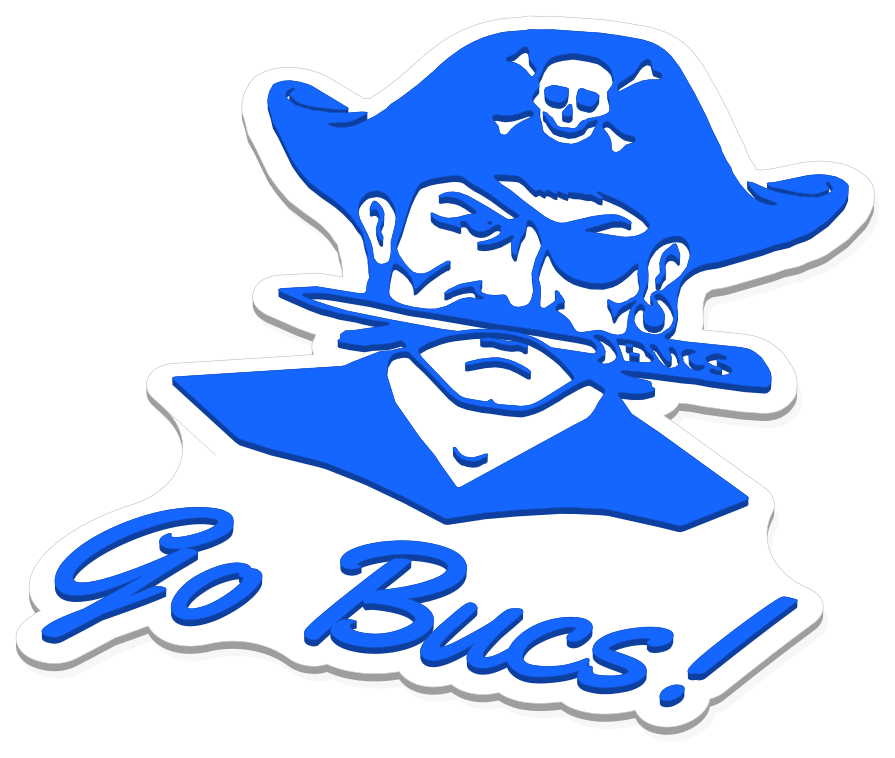
Most name makers stop at text. Here you can upload a team crest, a school mascot, a club badge, or a small business mark, and it prints right next to the name.
- Works with PNG, JPG, GIF, and SVG files. Simple one-color artwork gives the crispest print.
- Only you can see what you upload, and it waits in your account for the next template.
- No artwork handy? Choose from ready-made icons: hearts, stars, snowflakes, pumpkins, and more.
- Logo beside the name, or the logo by itself on many templates. You choose its size and spot.

Free 3D printed name signs
Hang one on a kid’s room, stand one up at work, or label every classroom seat.
Free wedding names for every table
Place cards, glass charms, and a cake topper. Paste the guest list and print the lot.
Halloween, Hanukkah, and the team
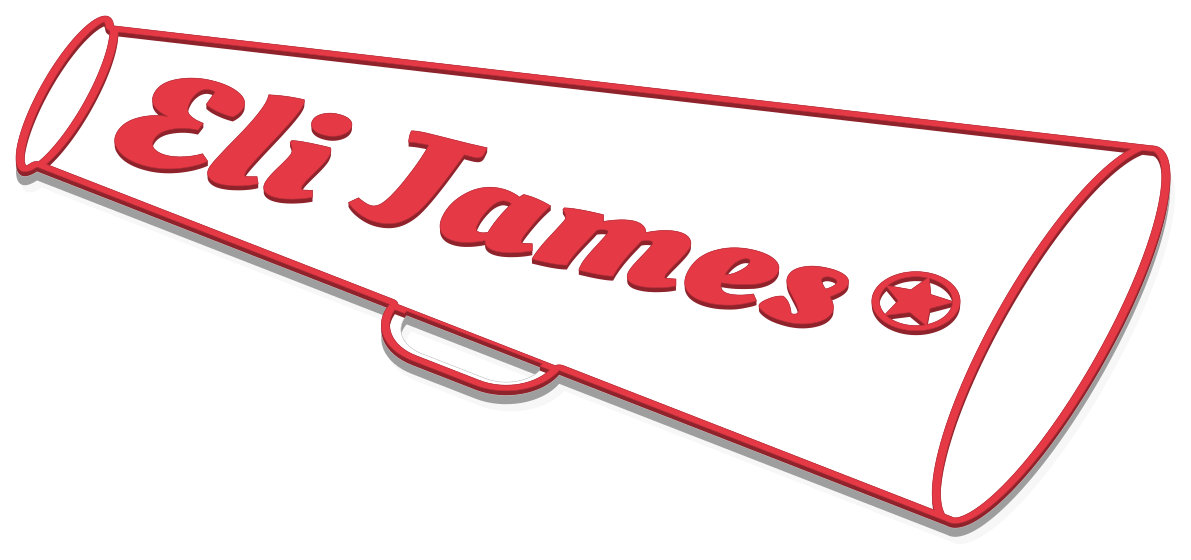
Pumpkin tags, a Star of David, a cheer megaphone, and spirit sticks for band and guard.
Three quick steps
- 01
Type a name
Pick a font and colors and watch the 3D preview change as you type. You can do all of this without an account.
- 02
Choose your printer
Tell us what you print on and the design stays inside its bed. Save it, with the filament colors you own, and next time is even quicker.
- 03
Download free
Sign in with Google, press "Download free", and load the file into your slicer. It tells you where to pause if you swap colors by hand.
Made to fit the printer you own
Pick yours in the editor and every name stays inside its bed. Files open in its slicer with each part already set to a filament.
Slicers
- OrcaSlicer
- PrusaSlicer
- Anycubic Slicer Next
- Bambu Studio
- Creality Print
- Elegoo Slicer
- QIDI Studio
- Any slicer (STL)
- Anycubic
- Kobra 3
- Bambu Lab
- A1, A1 mini, H2D, H2S, P1P, P1S, P2S, X1 Carbon
- Creality
- Ender-3 V3 KE, Ender-3 V3 SE, K1 Max, K1C, K2 Plus
- Elegoo
- Neptune 4 Pro
- Prusa
- CORE One, CORE One L, MINI+, MK4S, XL
- Qidi
- Q1 Pro
- Voron
- 2.4 350
- Not on the list?
- Use one of the generic bed sizes for STL files.
How free downloads work
Every file is free. Download as many as you need.
- Make one keychain or a whole team’s worth, all free.
- A set is one download, whether it holds 2 names or a whole class.
- Sign in with Google to download or save a design. That is all the account is for.
- Designing and previewing never need an account. Try as many names as you like.
- Sell the things you print, at a craft fair or online. Just keep the files to yourself.
- Everything you download stays in your account, ready to grab again, even in a different file type.
Good to know
- Is it really free?
- Yes. Every file costs nothing, however many you download. How free downloads work
- Why do I have to sign in to download?
- It keeps bots away, and your account is where your downloads, saved designs, printers, and logos live. Google sign-in takes a couple of clicks. Designing and previewing work without it. Your account
- My printer has one nozzle and no AMS. Will two colors still work?
- Yes. Put a pause at one layer in your slicer, and when the printer stops, swap the filament by hand. Your download names the exact height. With an AMS, MMU3, CFS, or ACE Pro, the swap happens on its own. Two colors on one nozzle
- How do I make tags for every kid on the team?
- Open "Make a set" in the editor and type one name per line. Most templates hold 31 names, ornaments 20, and drink tags and place cards 150. They all share one font, color scheme, and logo, and the batch counts as a single download. Making a batch
- Which slicers open the files?
- The Bambu 3MF opens in Bambu Studio, OrcaSlicer, Elegoo Slicer, Creality Print, and Anycubic Slicer Next. PrusaSlicer takes the Prusa 3MF. For Cura or anything else, grab the STL zip. 3MF or STL?
- Can I put a logo on it?
- Yes. Upload a logo as SVG, PNG, GIF, or JPG (simple, bold, one-color art prints cleanest), or choose a built-in icon like a heart, pumpkin, or dreidel. Uploaded logos stay private to your account. Tips for logos
- May I sell the things I make with these?
- Sure. Sell the keychains, signs, and ornaments you make wherever you like. What stays private is the file: please don't share it or sell it. What the terms say